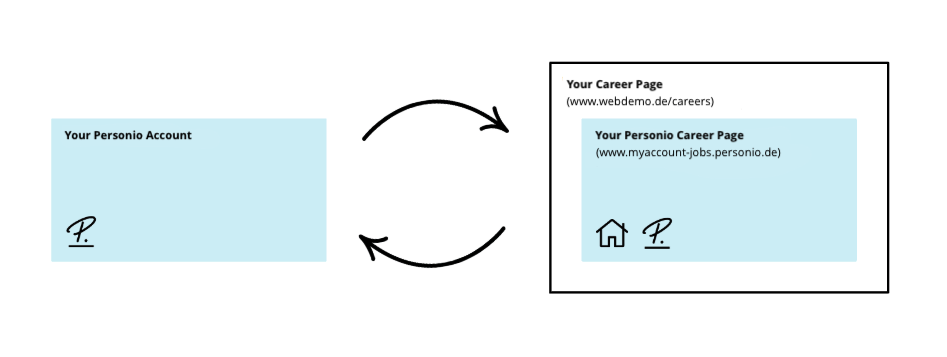
This article explains how to integrate your Personio career page into your company's website via iframe. With this integration:
- You can continue using your existing corporate career page.
- Your Personio career page appears as part of your corporate career page. This includes all published jobs.
- Candidates remain on your website at all times.
Before you start
- Review the other options to connect your career page to Personio to make sure this is the right option for you.
- We recommend adapting the Personio career page to your corporate design before setting up the integration. To do so, you need permissions to the Recruiting app and its settings.
- Make sure you have support from a web developer or your IT department. They are responsible for setting up the integration.
Adapt the design of your Personio career page to your corporate design
Before setting up the integration, match the design of your Personio career page to your corporate design. This helps the Personio career page to blend in with your existing branding.
Learn how to customize and style the Personio career page. For a more seamless appearance, you can choose to hide the header image and background. To customize your Personio career page further, read our article on designing it with CSS.
Integrate via iframe
To set up this integration, you need support from a web developer or your IT department. All technical requirements for the integration are available in our Developer Hub.
The diagram below illustrates how the integration works.